Getting Started — the Admin Panel Pro / Solo
The Sweldo admin panel is where you manage everything: employees, attendance, leave, vale, and payroll. It's a web app you log into with your Mimasaur account. Your employees use a separate kiosk page to clock in and out.
Logging in
Go to the Mimasaur dashboard and click Open Sweldo. Alternatively, navigate directly to the Sweldo admin URL and sign in with your Mimasaur email and password.
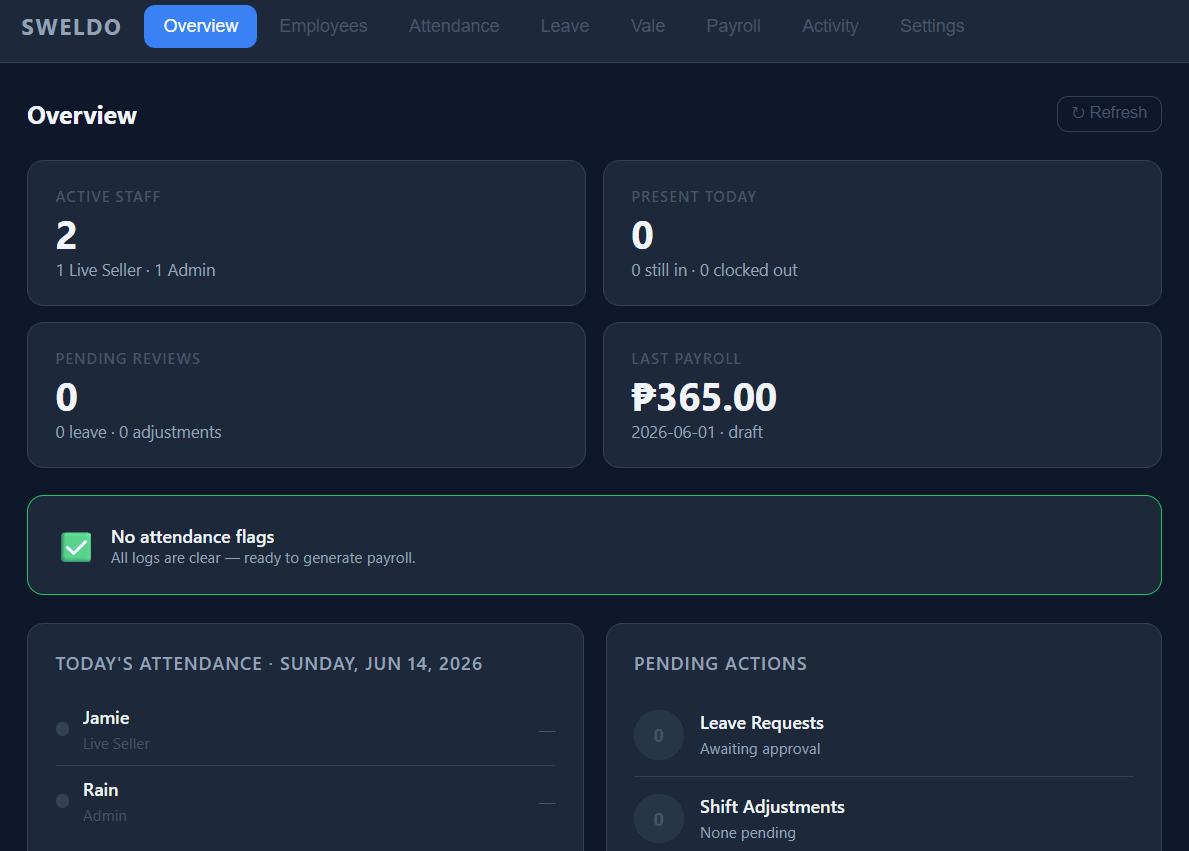
After logging in you land on the Overview tab. This is your daily dashboard — it shows who is currently clocked in, estimates for the current pay period, and a list of items needing your attention (flagged entries, pending OT requests, missing clock-outs).
The eight tabs
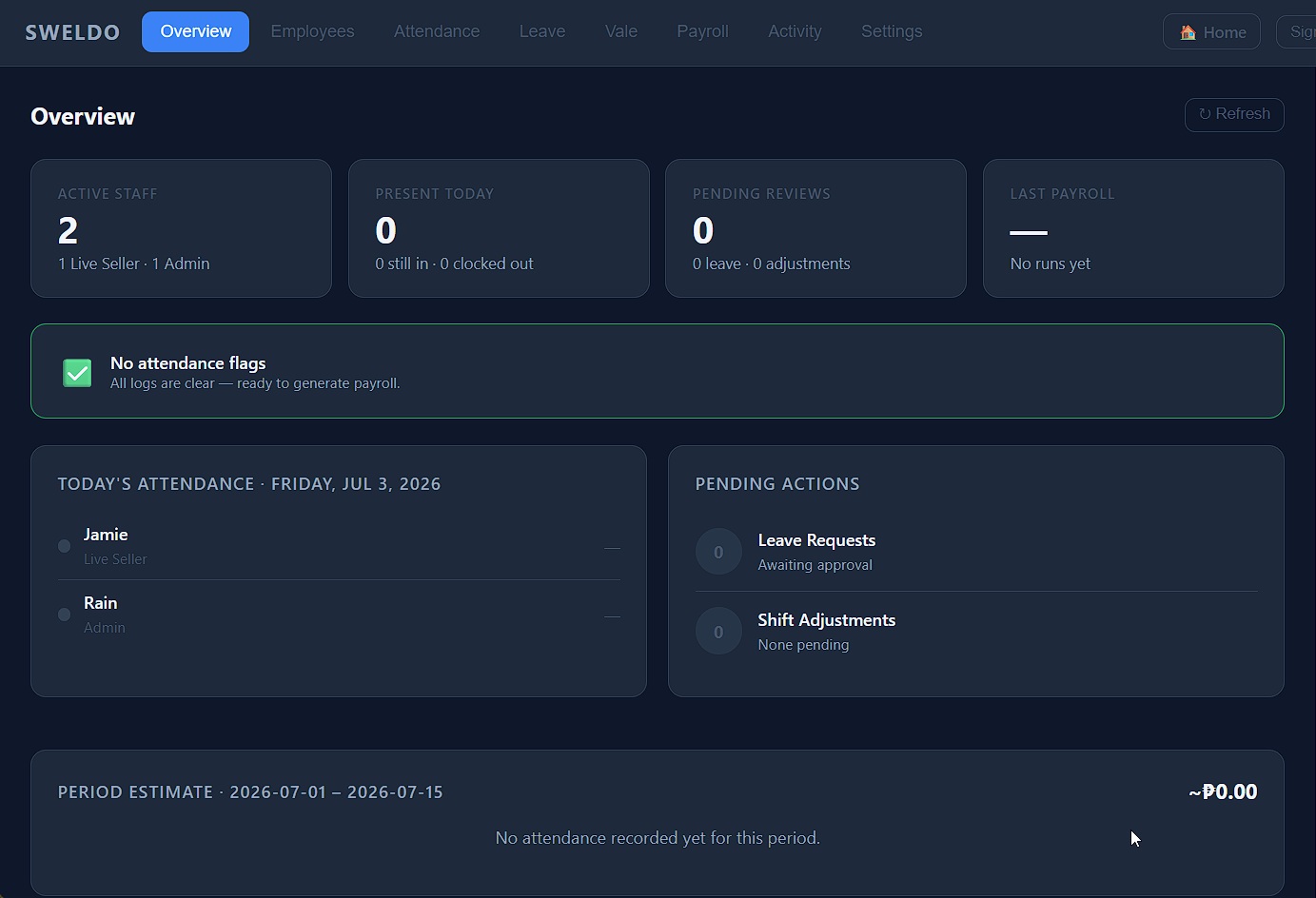
- Overview — live clock-in status, pay-period estimates, and a pending-items counter.
- Employees — add, edit, or archive employees. Set pay rates, schedules, and statutory toggles.
- Attendance — full time-log history. Review flagged entries, approve shift adjustments (OT, early-out, rest day work), and correct wrong times.
- Leave — approve or reject leave requests. Set each employee's leave balance per year.
- Vale — record cash advances. The system deducts them automatically each payroll run.
- Payroll — generate pay computations for a chosen cutoff period, review lines, edit if needed, then release and print payslips.
- Activity — a live audit log of every action taken in the admin panel.
- Settings — grace period, OT threshold, statutory rate overrides, and other store-wide configuration.
The kiosk URL
The clock-in kiosk is a separate page your employees use on a shared device (tablet, phone, or PC in a common area). The URL looks like this:
You don't have to type it: Settings → 🔗 Kiosk URL → Copy gives you the exact link. You can bookmark it or display it as a QR code near your workstation. Employees never need to log in — they just tap their name and enter their PIN.