Promo Bundle Pro
"3 for ₱99" — a quantity deal. You set it once; from then on the app does the maths by itself. Every time a buyer reaches the bundle quantity at the item price, her card shows one bundle at the bundle price instead of the pieces, and that's what her checkout is compared against.
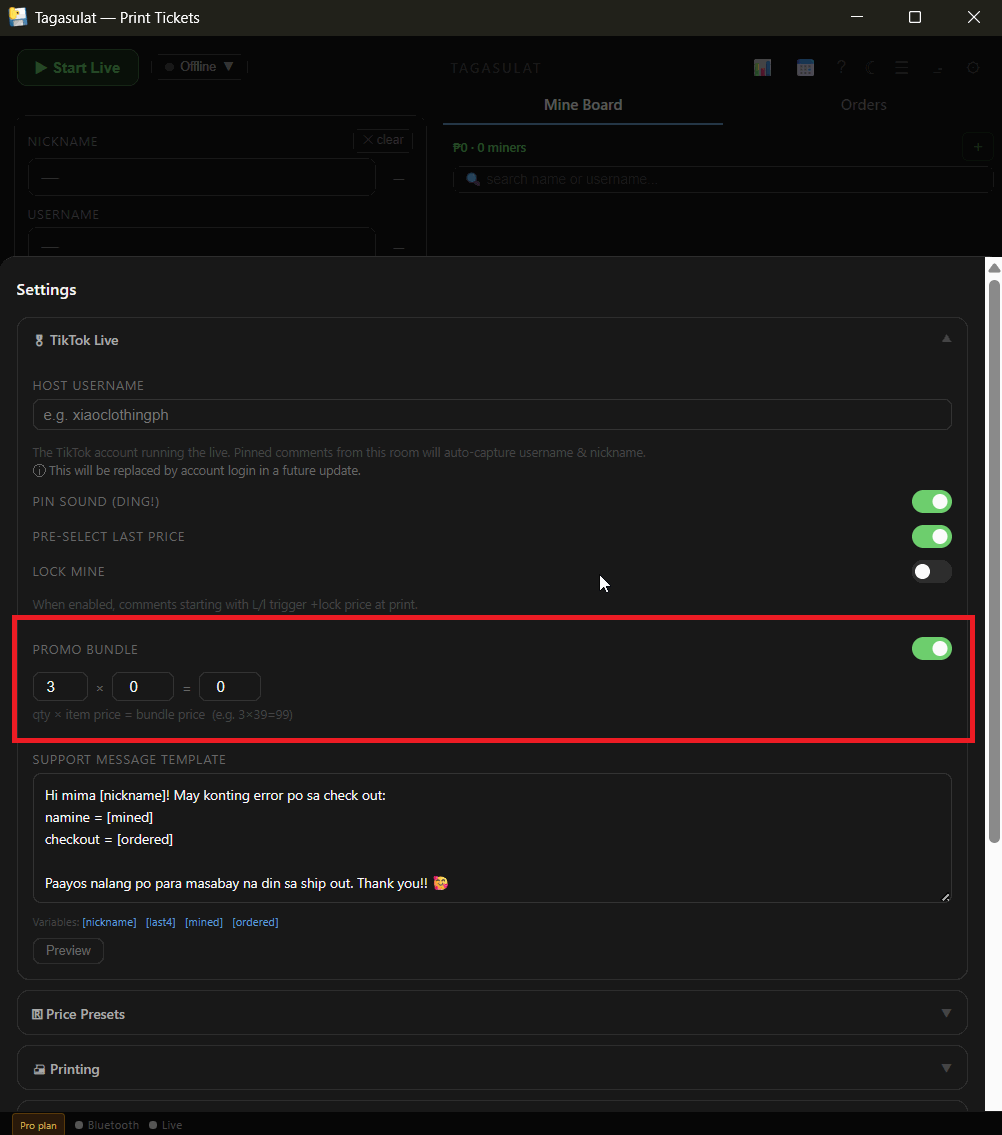
⚙️ Settings → 🎁 Bundle promo: switch it on and fill in Any 3 × ₱39 for ₱99. Save settings.
During the live, print her ₱39 pieces as usual — one at a time or with the quantity set to 3.
Her card shows ₱99 ×1 instead of ₱39 ×3. A fourth ₱39 shows as one extra piece until she reaches six.
Settings → 🎬 TikTok Live → Promo Bundle: switch on, then qty × item price = bundle price, e.g. 3 × 39 = 99.
Print at the item price as usual. The row converts every 3 pieces into one ₱99 bundle by itself.