The Mine Board Explained Pocket+
The mine board is your live command centre. Every buyer who mines during your TikTok live appears as a card, in real time, with the prices and quantities she's taken. You don't type names — the moderator pins, the app captures.
A buyer gets pinned. Her name drops into the form at the top and a banner shows the pin. If she's blacklisted or flagged, the banner says so before you print.
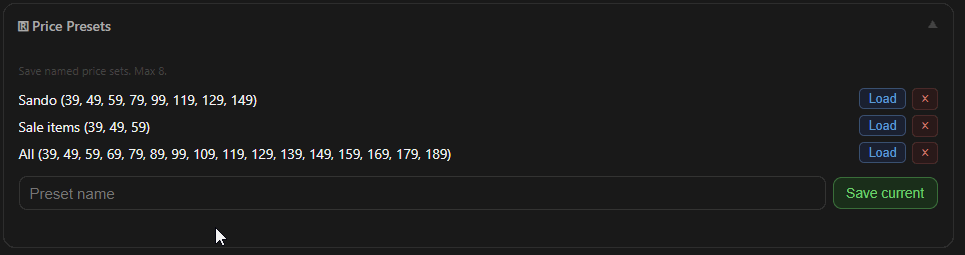
Tap the price she's buying at, and set the quantity with − / + if it's more than one.
Tap 🖨️ Print & Record. The label prints on your Bluetooth printer and her card appears on the board. 📝 Record Only puts her on the board without a label. With Auto-print on, steps 2–3 happen by themselves.
Fix mistakes on the card. Tap ✕ on a price pill to void that item. Double-tap the card to put her name back in the form. Tap ⋯ (or press and hold) for more: mark checked out, 🕊 Forgive, ☠️ Re-Live, 🚫 Blacklist.
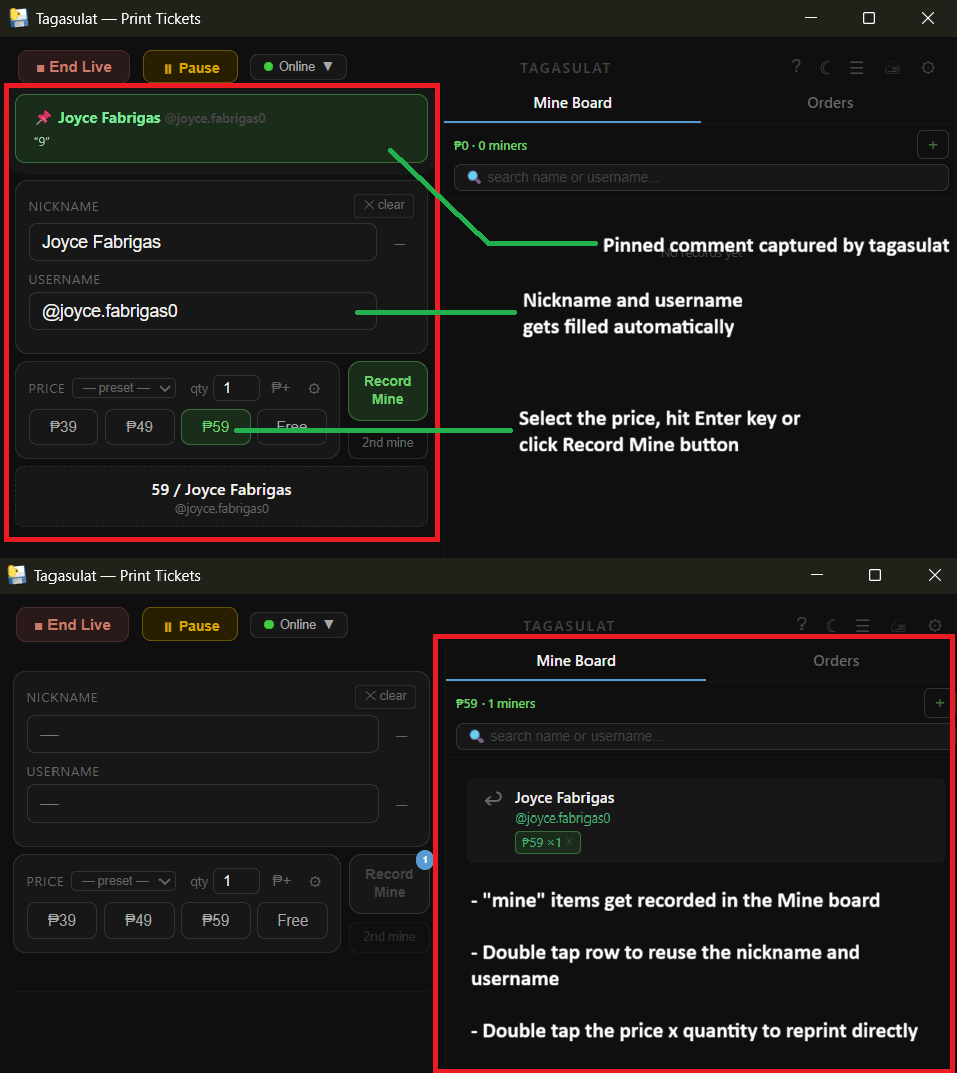
A buyer gets pinned. A moderator pins her comment in your TikTok live and her name appears in the form — nickname and username filled in.
Click a price button (or press its keyboard shortcut) and set the quantity if needed.
Press Enter or click Record Mine. The label prints and her card appears on the board.
Repeat. New pins queue up in order; work through them. Double-click a card to reuse the name, double-click a price pill to reprint. Right-click a card for more. See shortcuts →