Direct Payments Tracking Basic+
Not every buyer pays cash on delivery. When someone settles their order through GCash, Maya, bank transfer, or any non-COD method, you can record that payment and tie it to the buyer's order or their kept items — so you always know who has paid, who still owes, and exactly how much.
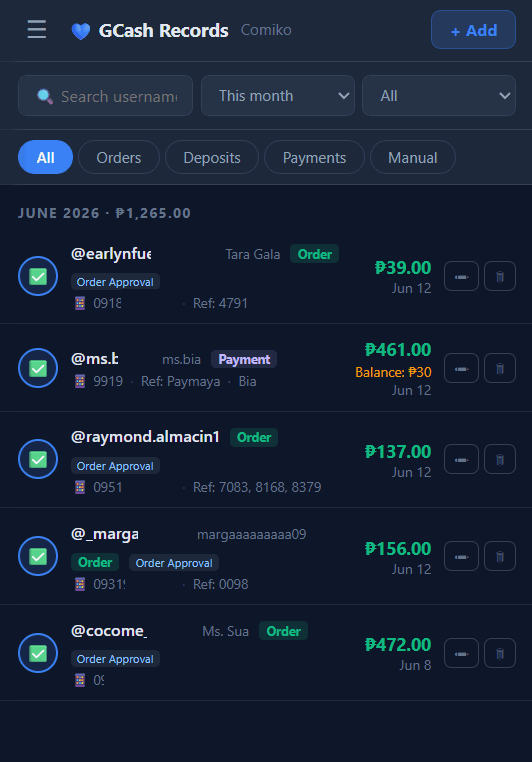
Open the Direct Payments page from your dashboard (any device — it's a web page). Each time a buyer sends a payment (GCash, Maya, bank transfer, etc.), record the amount and their reference (the transaction reference number or a short note).
Associate the payment with the buyer. Tagasulat shows that buyer's open after-live items and any kept (reserved) items that haven't been paid yet, so you can attach the payment to the right order.
Once associated, the item is marked paid and a running balance updates — showing how much of the buyer's total is settled and what (if anything) is still outstanding.