Sweldo Settings Pro / Solo
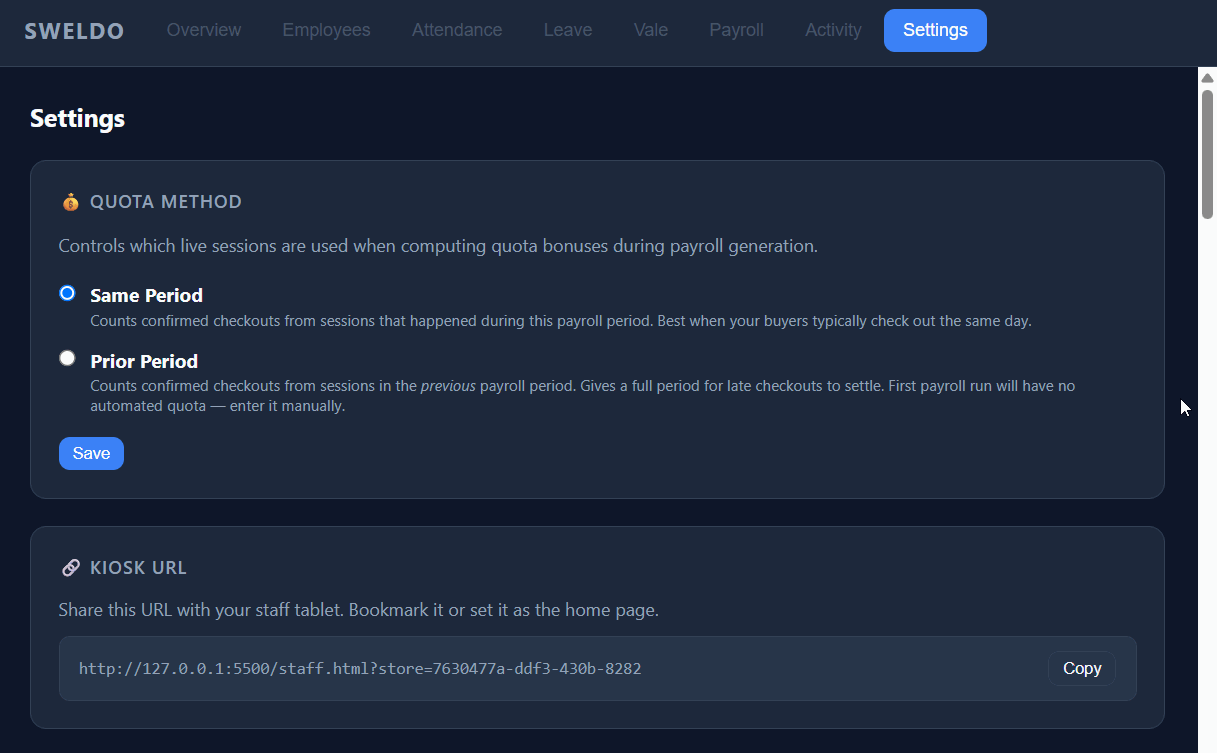
The Settings tab holds the store-wide rules that drive attendance and payroll: your pay cutoff, grace and overtime thresholds, the holiday calendar, and your statutory contribution rates. Set these once and every payroll run uses them automatically.
General settings
Configure how time and pay are calculated: the cutoff type (e.g. semi-monthly or weekly), the grace period before a clock-in counts as late, the overtime and early-out thresholds, and rest-day premium rules.
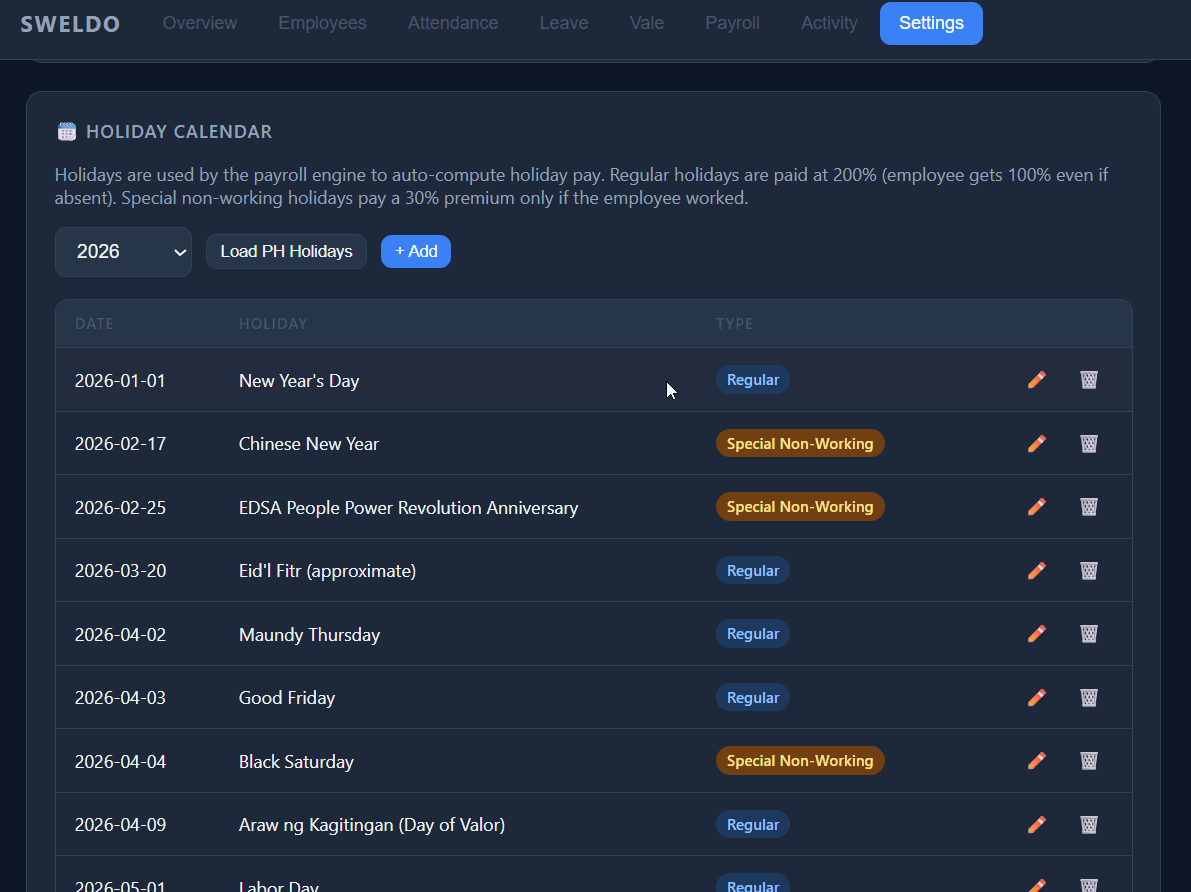
Holiday calendar
Add the holidays that apply to your store and mark each as regular or special non-working. Payroll uses this calendar to apply the correct holiday pay rates — 100% for regular holidays and a 30% premium for special non-working days actually worked.
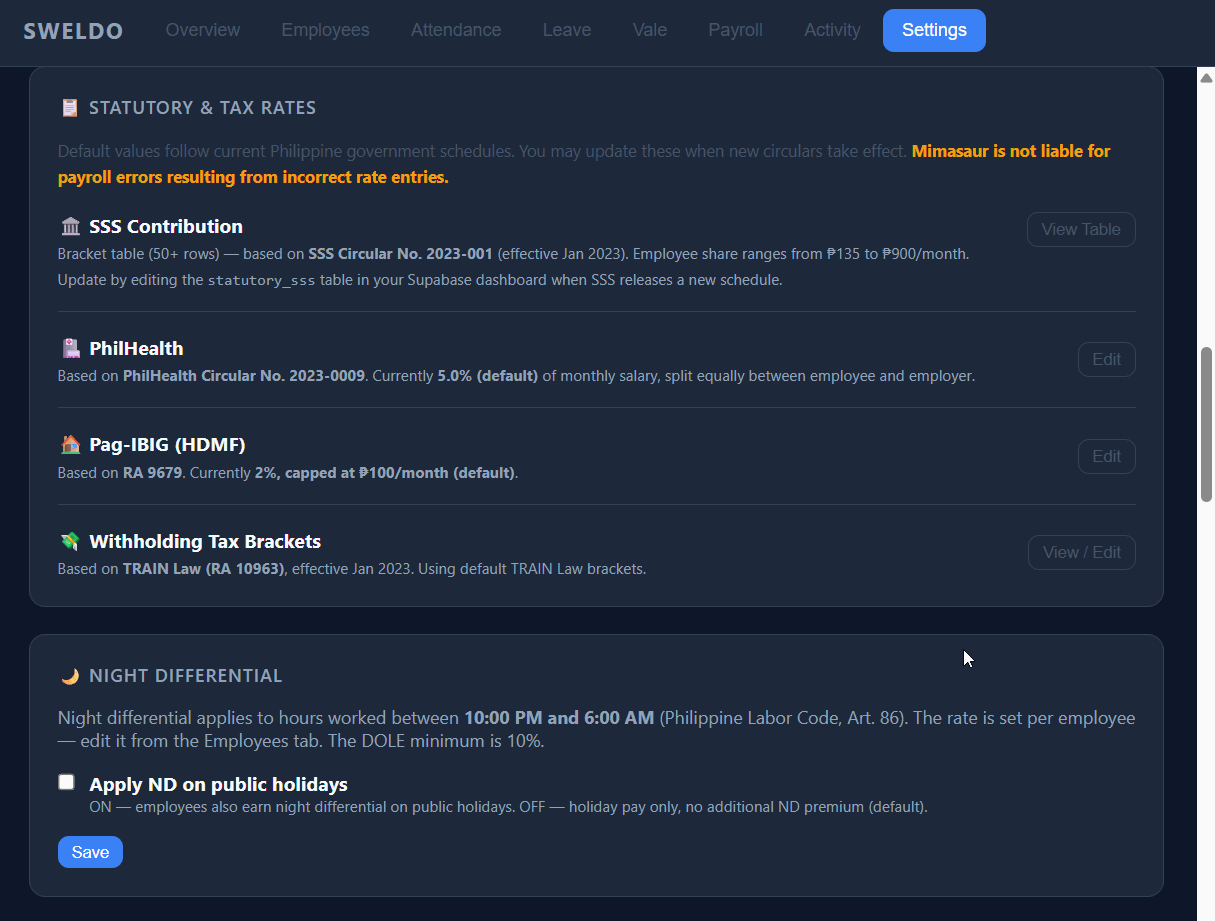
Statutory rates
Review the contribution tables and overrides used for SSS, PhilHealth, and Pag-IBIG. Sweldo ships with the current government brackets; use the overrides here only if your store applies a different rate or cap.